
A carousel maker inside Canva
Turn ideas and existing content into branded carousels.
Shape the message, review every slide, and create an editable LinkedIn or Instagram carousel without starting from a blank canvas.
Start with an idea or paste content you already have.


Real Brand Deck output1080 × 1350
How it works
Make the content decisions before touching the design.
Brand Deck separates the message from the layout, so you can judge the idea and read the draft before any pages are created.
- 01
Bring the source
Describe an idea or paste notes, an article, or a transcript.
- 02
Choose an angle
Compare three clear directions before committing to a draft.
- 03
Review the words
Edit every heading and body while the content is easy to judge.
- 04
Create the pages
Apply your theme and profile across the complete carousel.
Your judgment stays in the loop
A draft you can read—not a black box you have to accept.
The carousel is not final when the first draft appears. Headings and body copy stay visible and editable, one slide at a time.
- Change the direction
- Return to the outline and choose another angle.
- Edit directly
- Rewrite any heading or supporting paragraph yourself.
- Improve selectively
- Refine one slide without replacing the whole draft.
One idea, four identities
Choose the look once. Carry it through every slide.
The copy is identical in every example, so the difference between visual systems is easy to see.


The complete result
Not just a cover. A coherent carousel from start to finish.
Each page has a role, while alternating backgrounds keep the set varied without losing consistency.
- Separate editable pages
- LinkedIn and Instagram formats
- Your theme and profile throughout
Swipe to see all seven pages
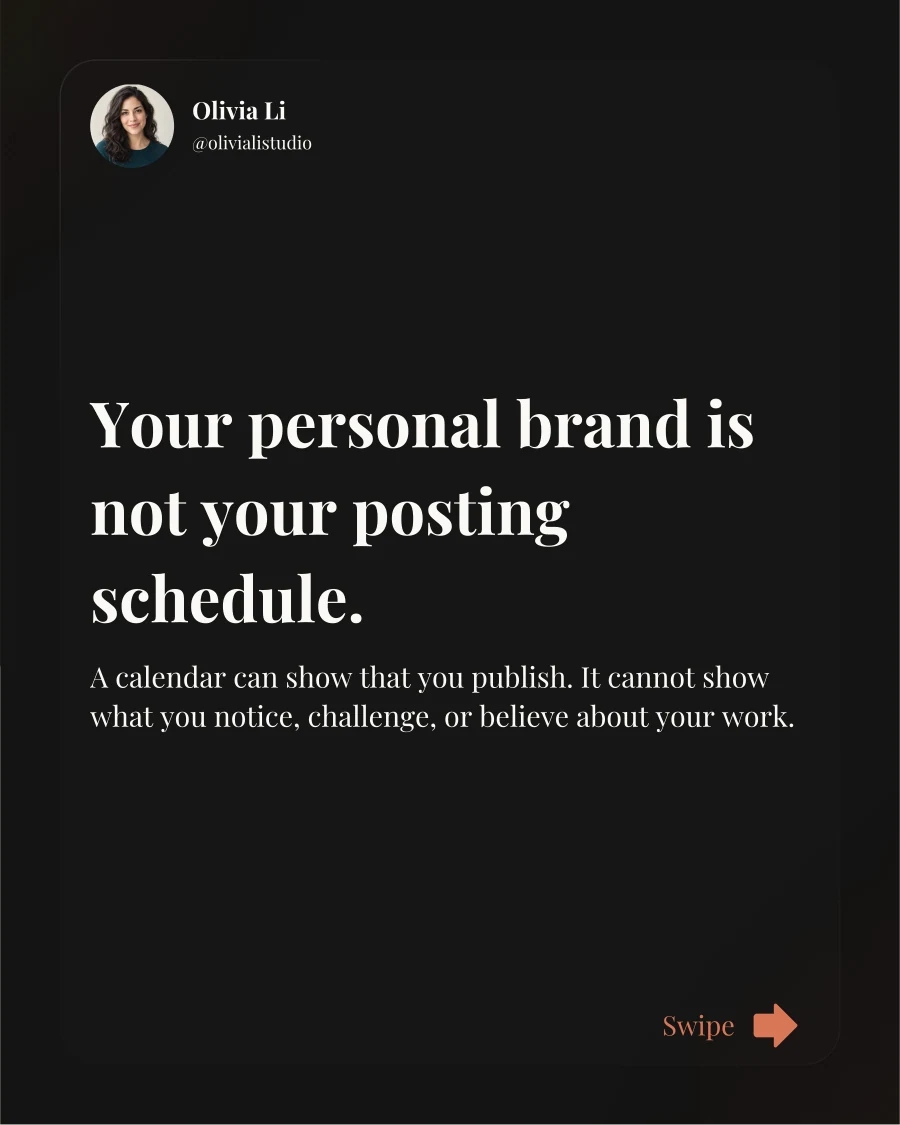
Slide 01 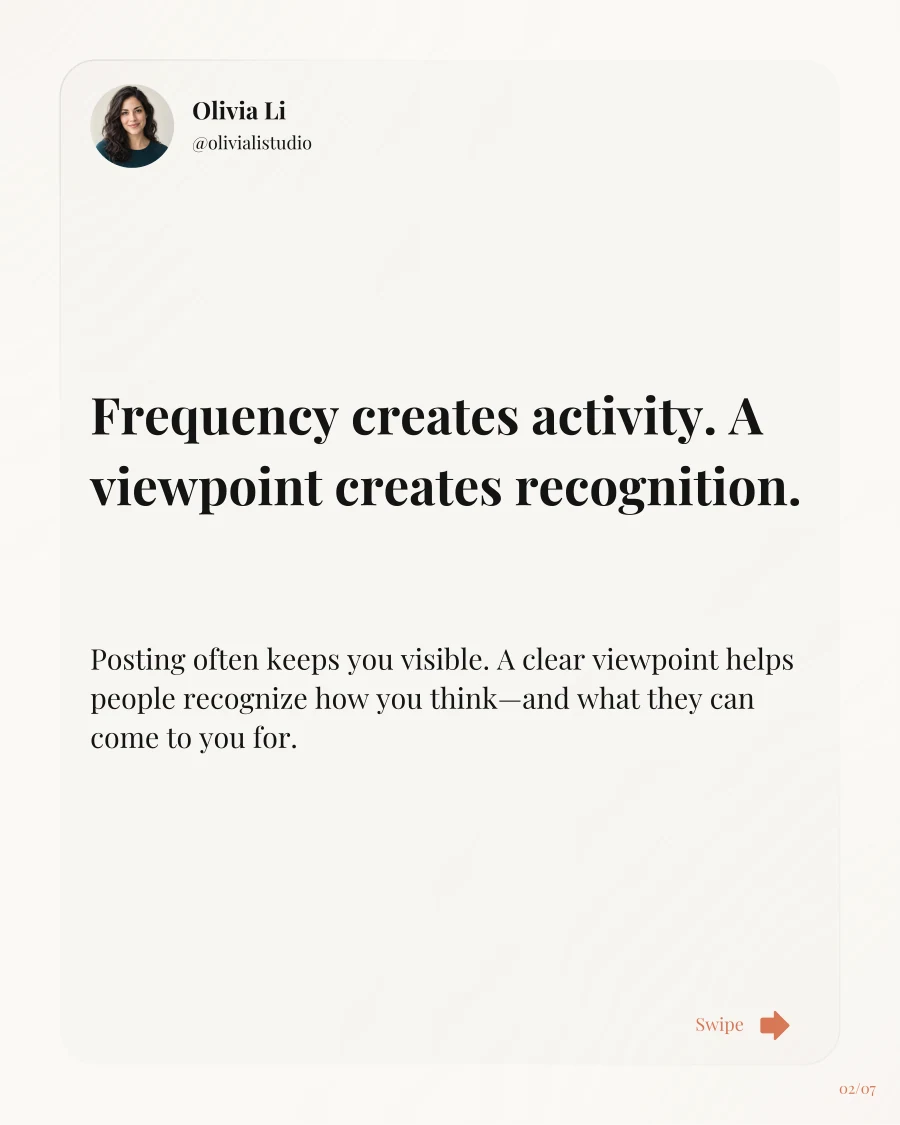
Slide 02 
Slide 03 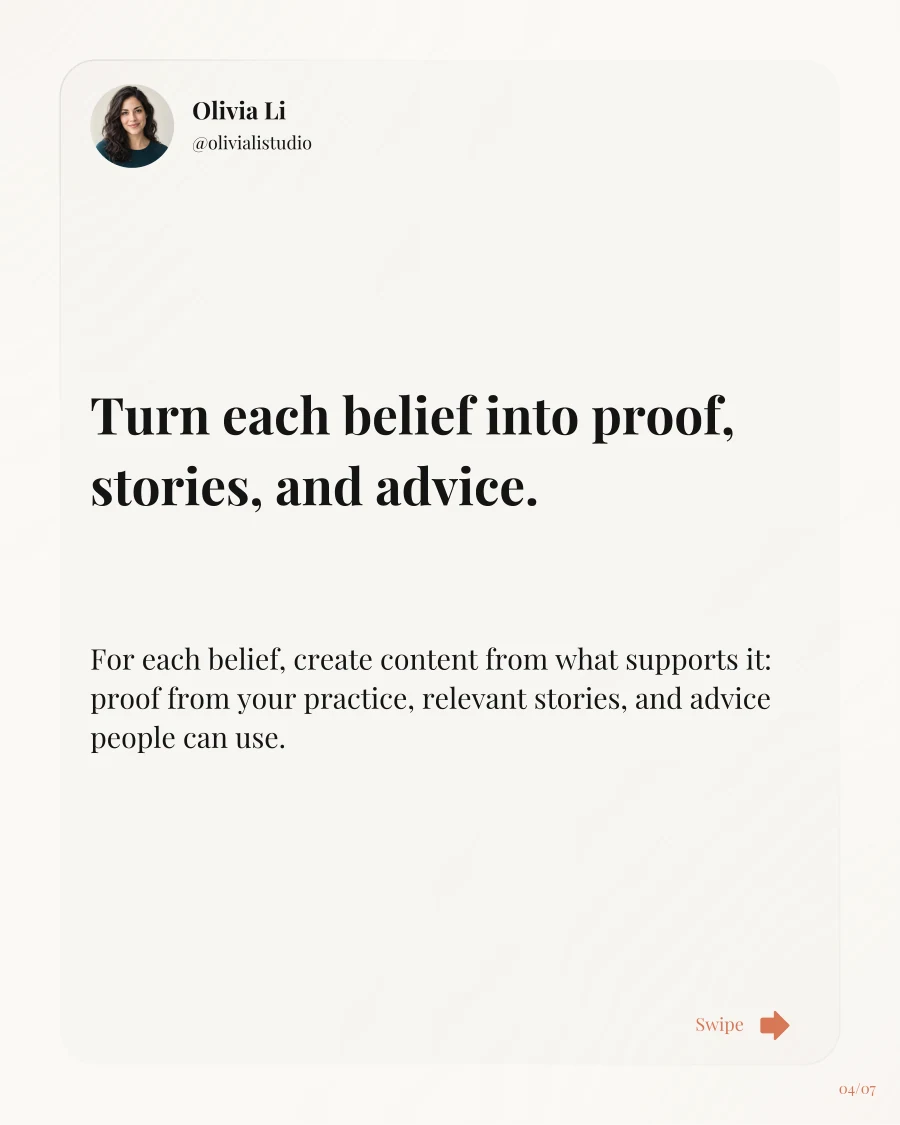
Slide 04 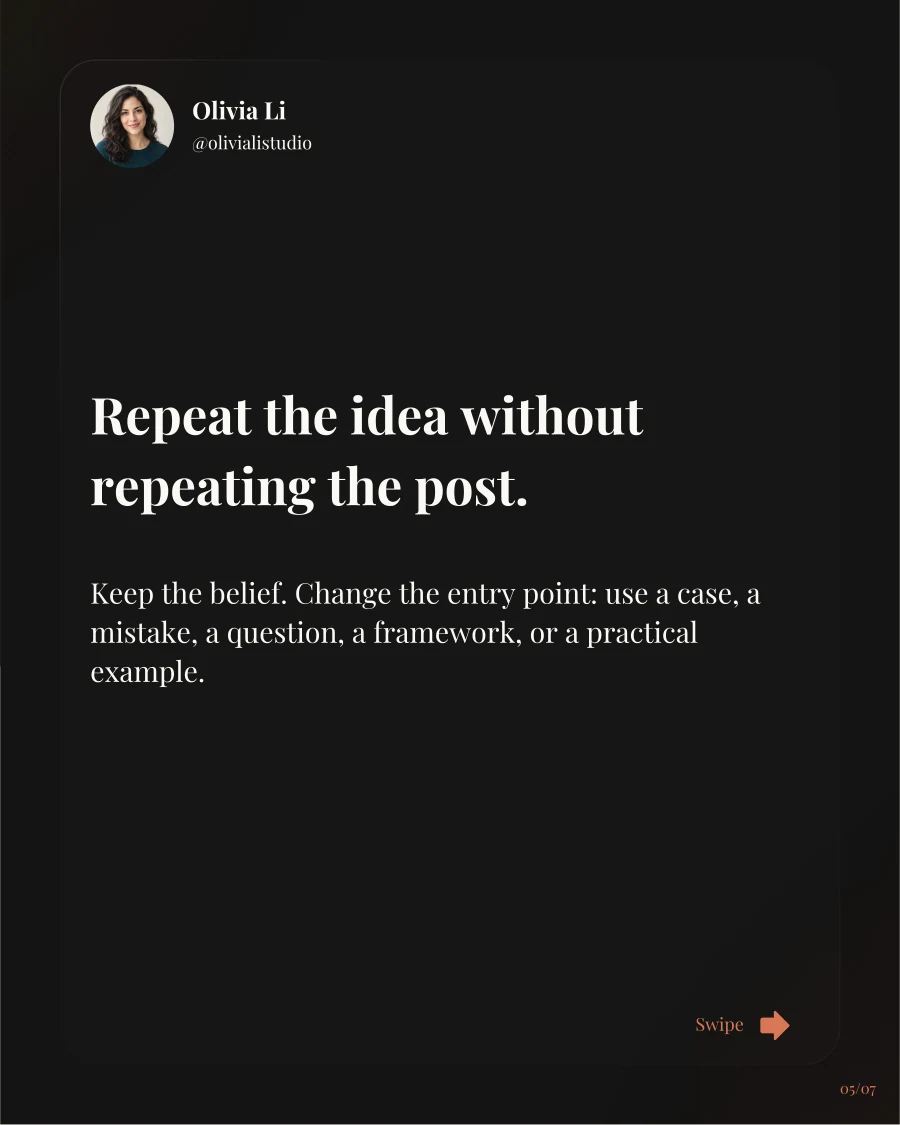
Slide 05 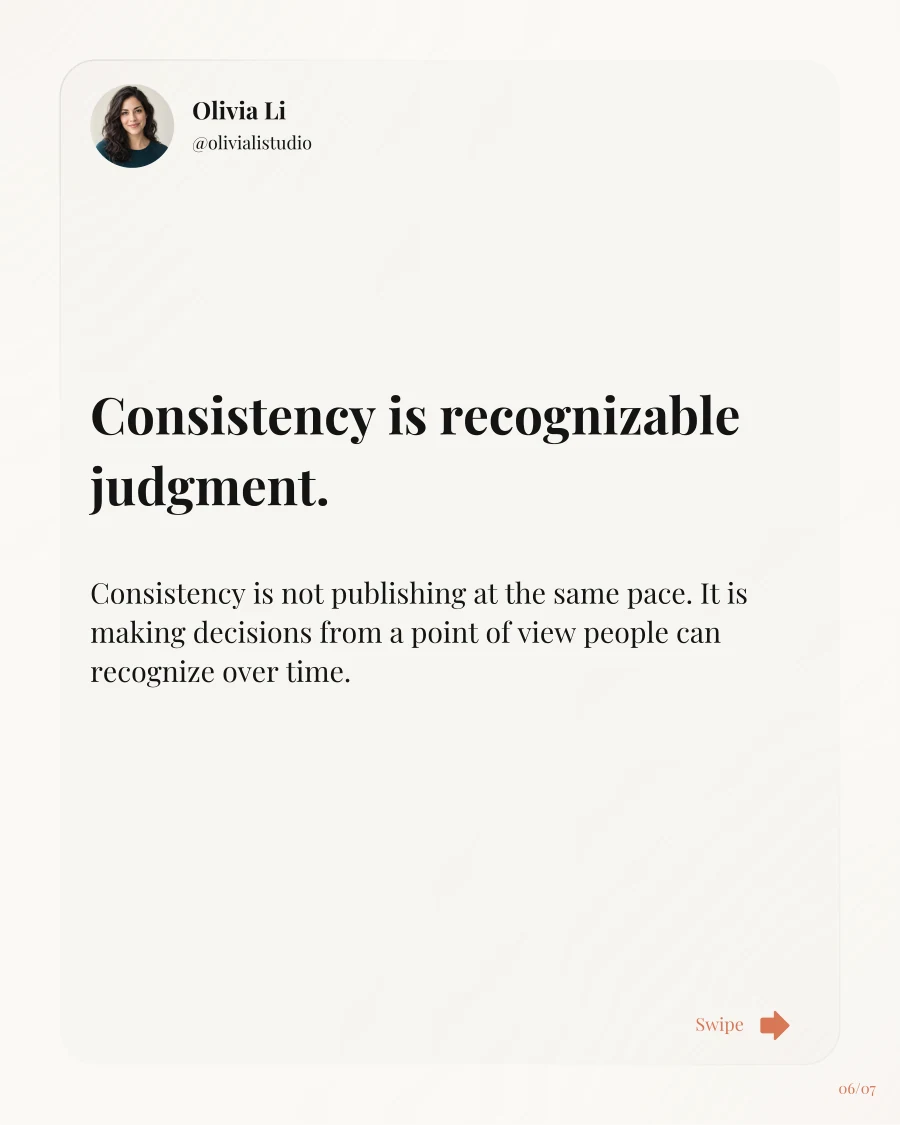
Slide 06 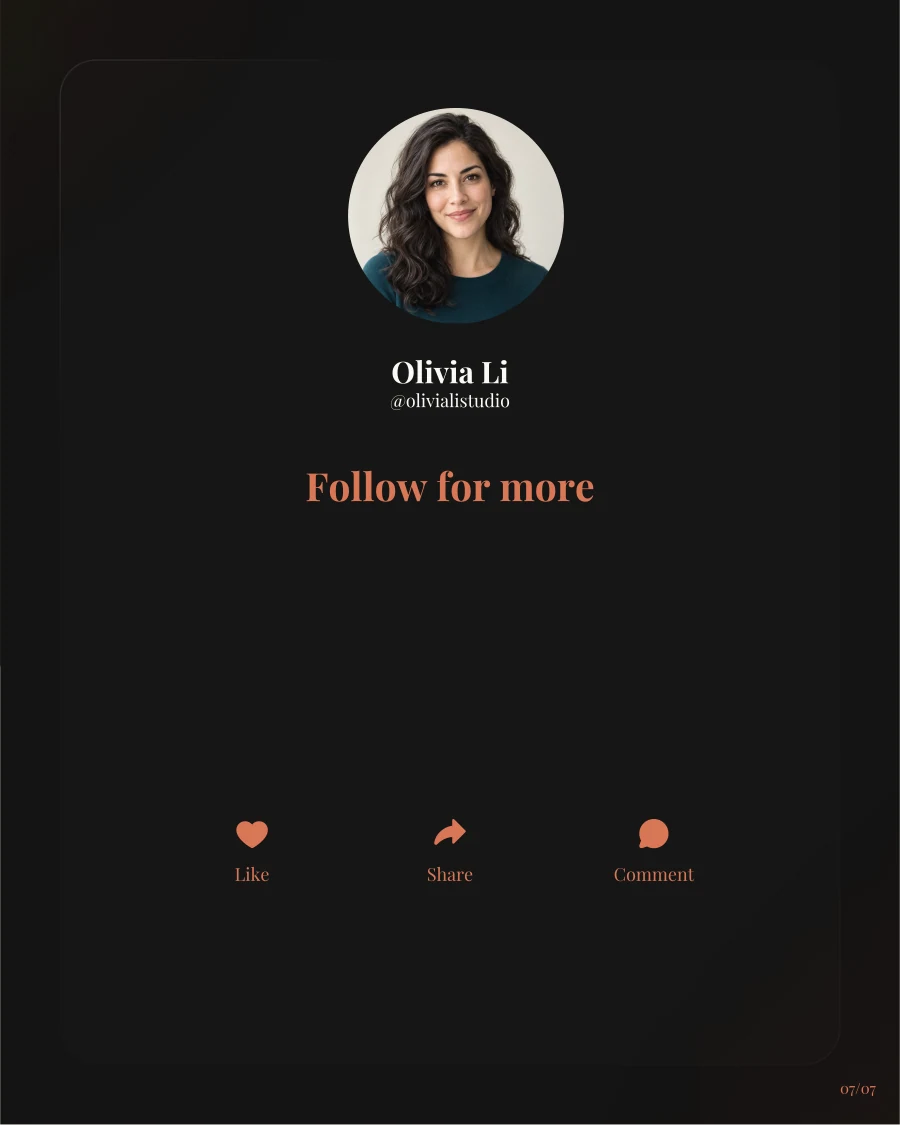
Slide 07


Start where you already design
Your next carousel can begin inside Canva.
Bring the idea. Review the message. Let Brand Deck build the pages.
Create a carousel in Canva